
Playtest your deck.
A 3D card table in your browser. No installs, no accounts. Just share a link and play.
Start NowPick your game
Arcanetable supports multiple games, pick one below to get started.
A real table, in your browser
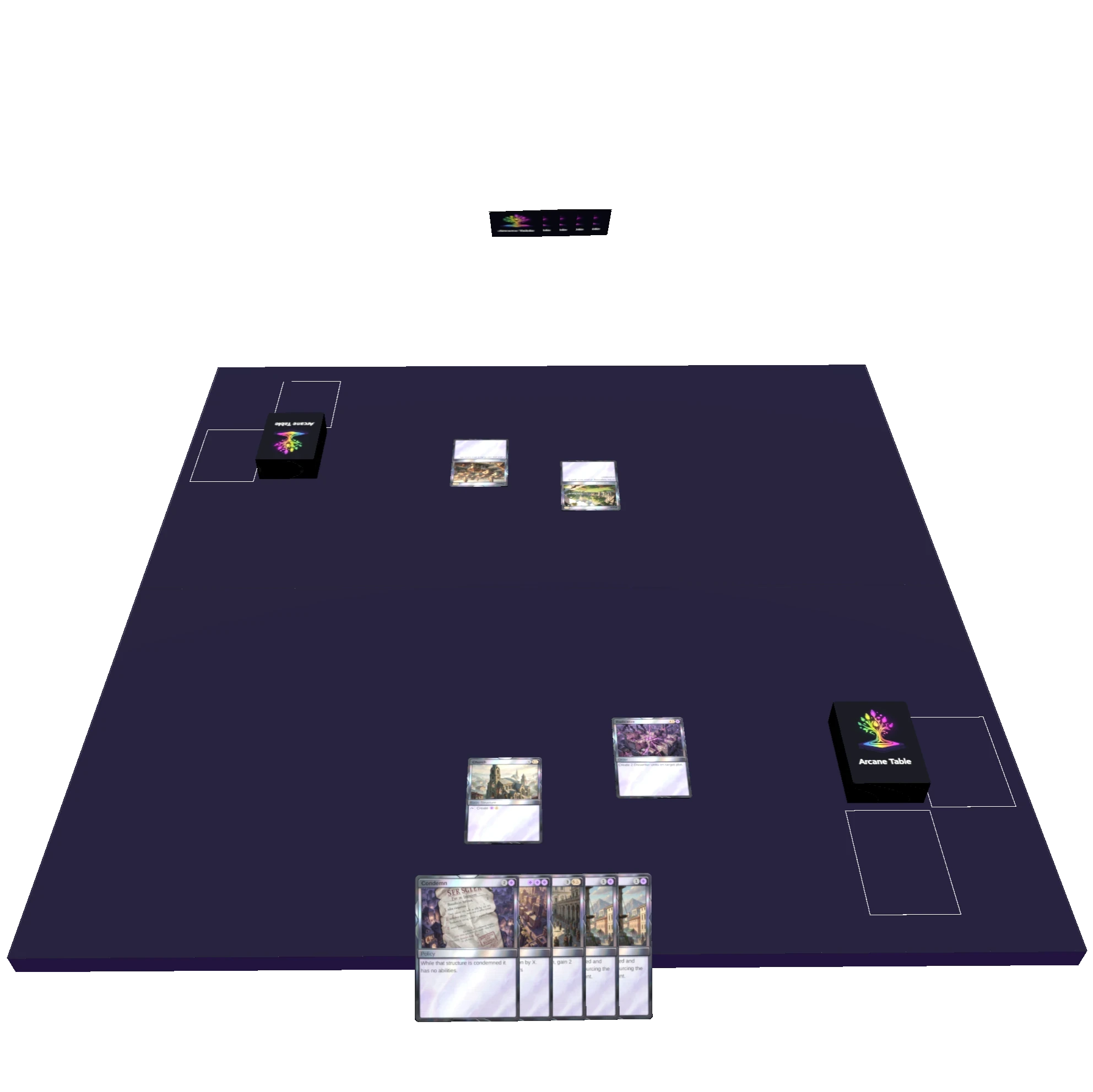
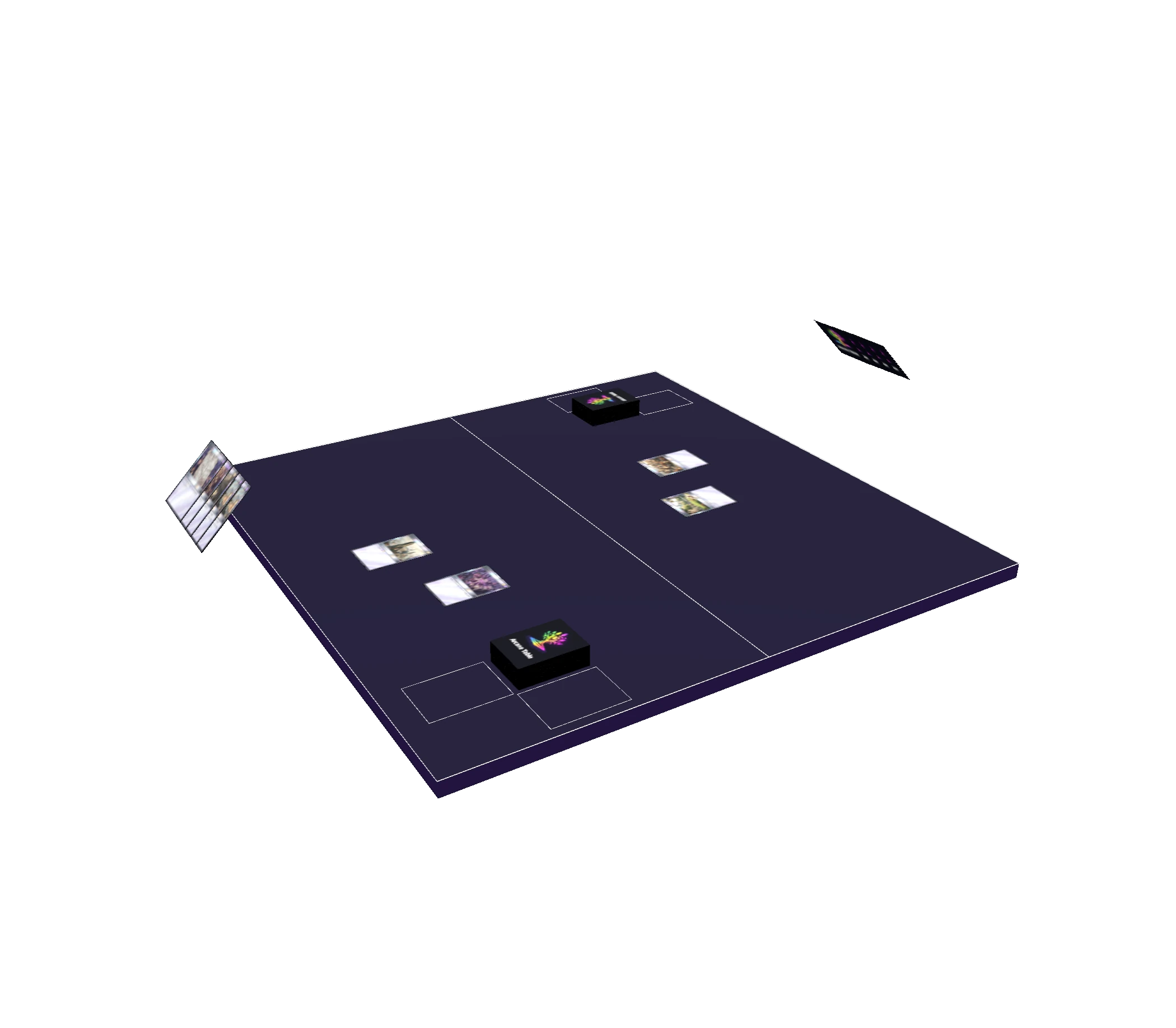
Tap, flip, counter, exile, stack. Everything you'd do at a kitchen table, rendered in 3D. Double-sided cards flip correctly. Tokens spawn from the right source. Counters track per-card and stay visible across the table.
Zone counts for hand, battlefield, graveyard, exile, and deck are always visible. Search your hand or battlefield mid-game. Select multiple cards at once and move them together.
Grab a friend. Share a link.
Copy an invite link straight from the deck picker and send it. No account needed on either end. You're in the same game the moment they click it.
When you're done, concede and move to spectator, or wait for everyone else to finish. The table handles the transition automatically.
Build and edit decks without leaving the app
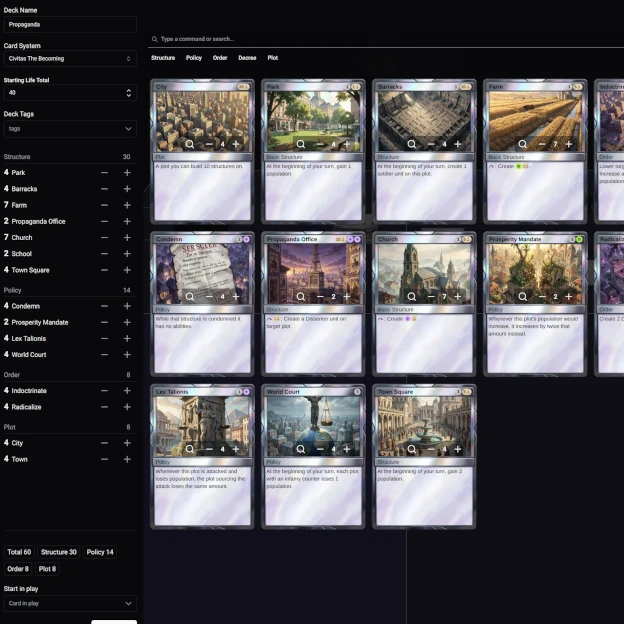
The deck editor is built in. Search for cards, adjust quantities, paste in a list, or download your list as a text file when you're done. No spreadsheet, no third-party site.
Search supports multiple terms separated by commas, and searches across card faces, so split cards and double-faced cards show up when you expect them to.
Built for the way you actually play
No client to download. No account wall. Just a table, your deck, and whoever you want to play against.
Does the combo actually go off?
Goldfish it in 3D and find out before you sleeve up.
Playtest with anyone
Send a link. They click it. You're at the same table.
Bring your own cards
Proxies, custom cubes, a completely different TCG. Point Arcanetable at your card server and go.
Everything you need at the table
The details that matter when you're actually playing.
Deck search
Search your deck mid-game. Find the card you need without revealing your hand.
Multi-select
Drag to select multiple cards at once. Move, tap, or exile a whole board state in one action.
Counters
Per-card counters always visible while a card is selected. Left-click to add, right-click to remove.
Tokens
Spawn tokens from the right source. Cloned cards are tagged as tokens automatically.
Double-sided cards
Transform and flip correctly. Tapping a flipped card works in the right direction.
Command palette
Every action is a keystroke away. Open the command palette and search for anything without touching your mouse.
Keyboard shortcuts
Every common action is one key away. Or open the command palette and search for anything.
General
Battlefield
Card search overlay
Support the Project
Arcanetable is free, open source, and built in spare time. The best ways to help: hang out in the Discord, share it with your playgroup, or buy us a coffee if it's been worth it.
See it in action
Watch the getting started guide and be up and running in minutes.
Built by Sparkstone
Arcanetable is an open source project from Sparkstone, a small independent studio building tools for people who take their hobbies seriously. If you want to follow along, report a bug, or contribute, the GitHub is always open.